Manage
orouta ships a small management UI. Point a browser at the proxy root and sign in with one of your auth.keys.
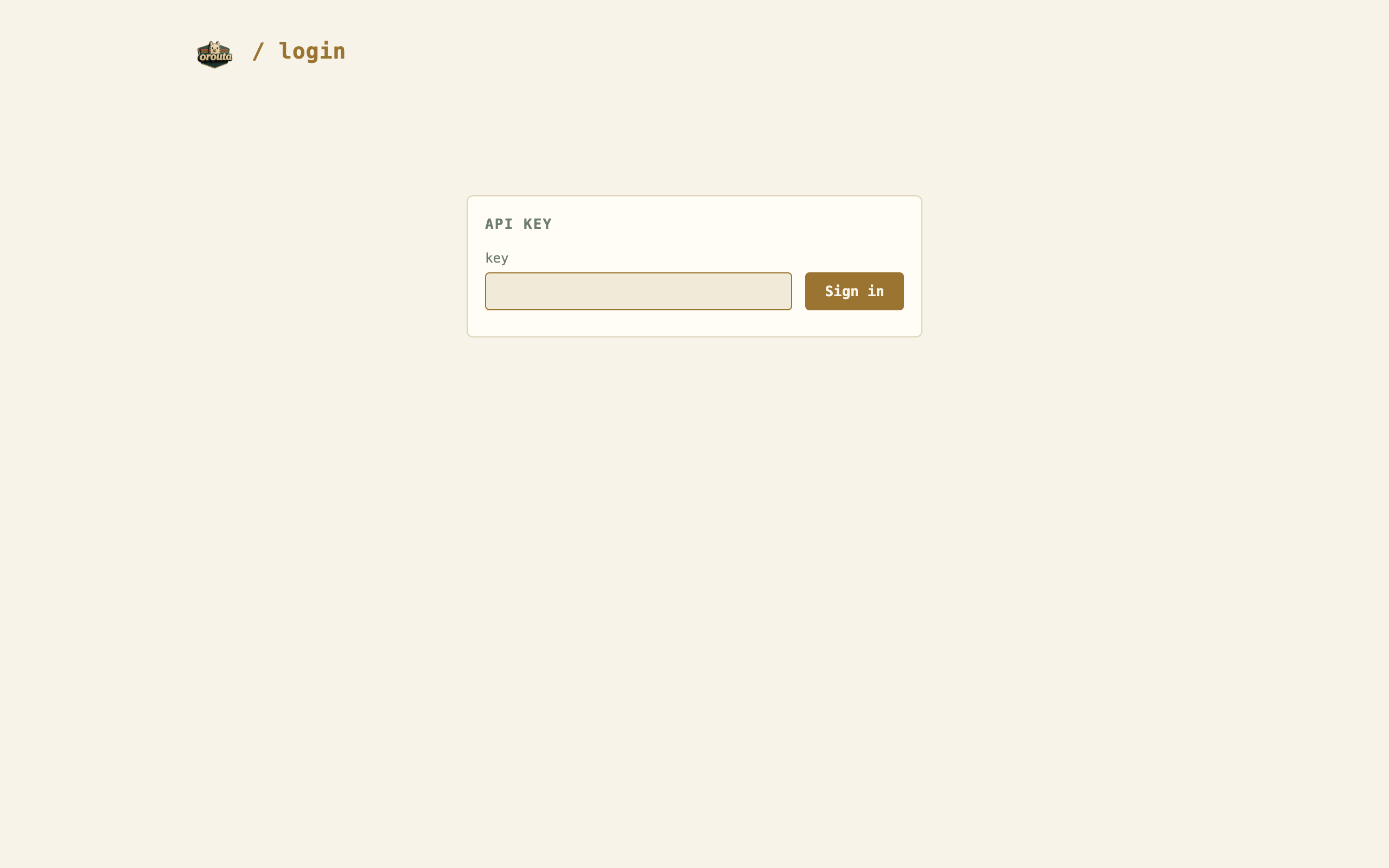
Sign in
Section titled “Sign in”When auth.keys is set, unauthenticated browsers land on /login. Enter any configured key and orouta sets a session cookie. API clients are unaffected: they keep sending Authorization: Bearer or x-api-key and get 401 JSON when the key is missing or wrong.
Revoking a key signs out sessions that used it immediately. With auth.keys empty the proxy is open and the management UI is locked — configure a key first.
Status
Section titled “Status”/status shows every upstream: reachable, models, requests, errors, in-flight, and the last error. Probes refresh every 15 seconds. The same data is available as JSON at /status.json for scripts.
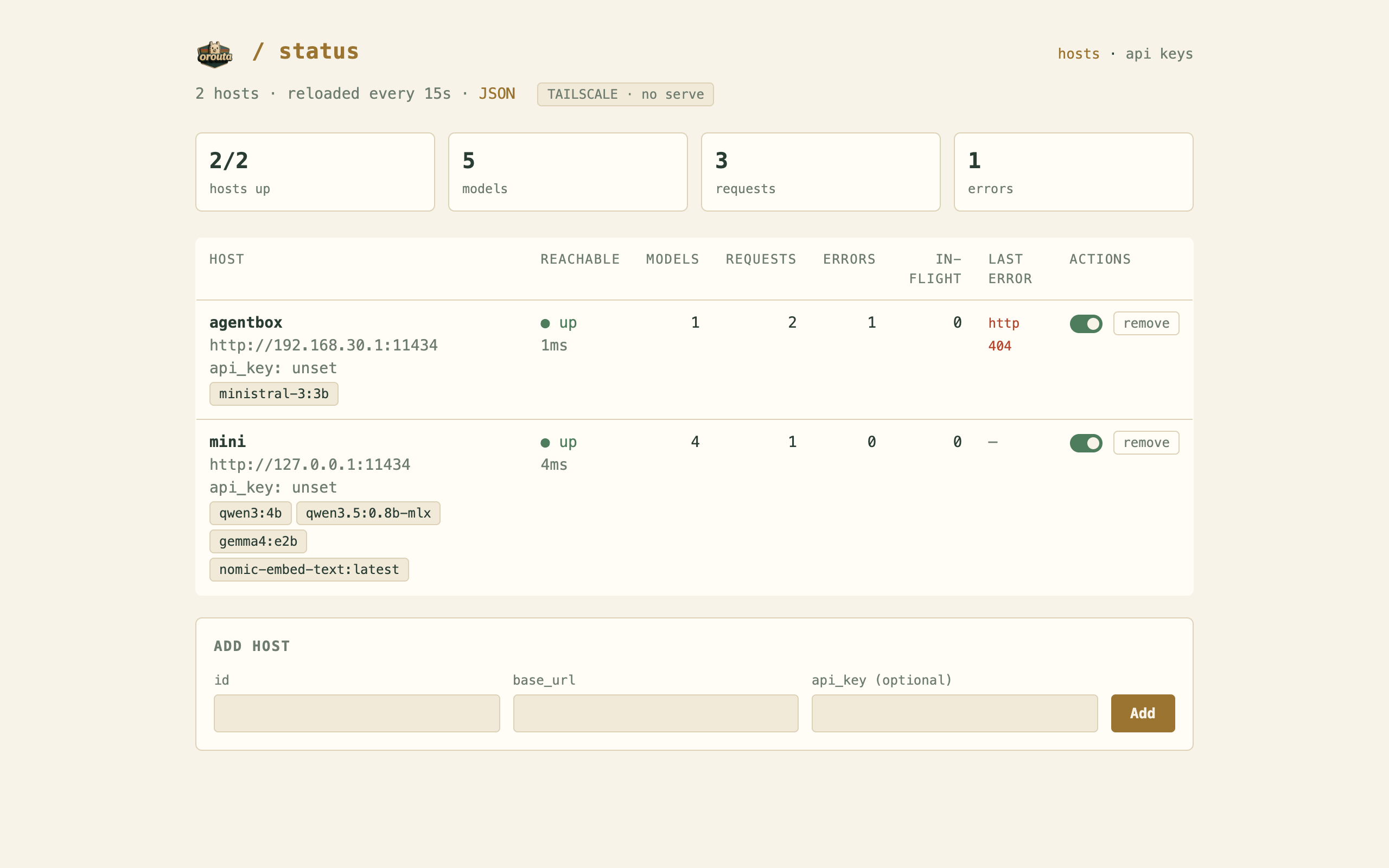
Add a host with the form at the bottom, or disable and remove existing ones from the row. Disabled hosts stop receiving traffic but keep their place in the config. On narrow screens the table stacks vertically.
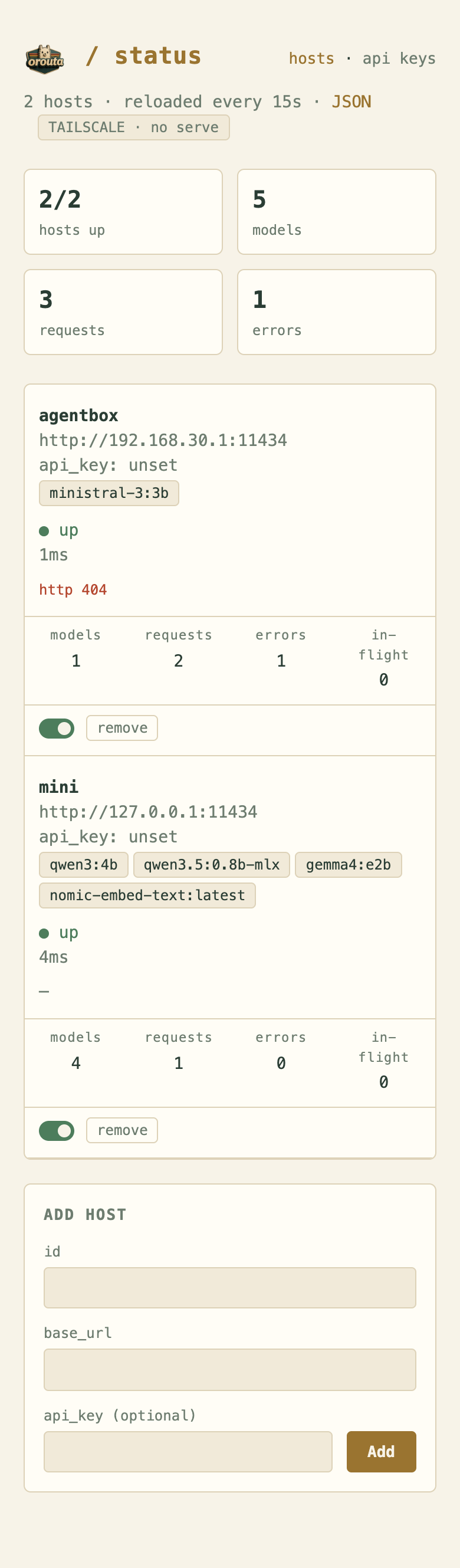
orouta also shows its own Tailscale identity and serve URL when Tailscale is present. See HTTPS via Tailscale.
API keys
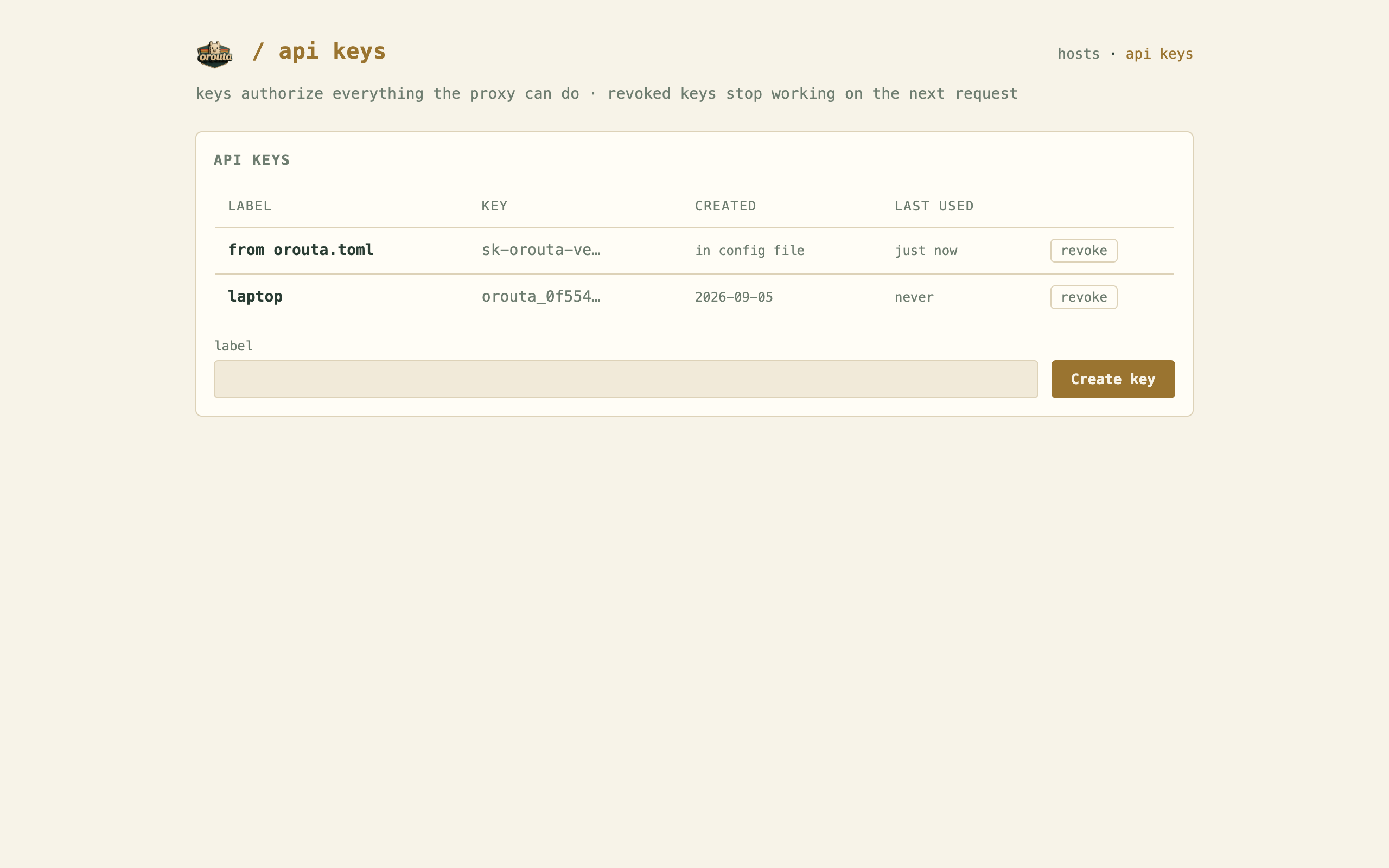
Section titled “API keys”/keys lists keys with label, prefix, created date, and last used — never the full secret. Create a key and it is shown exactly once; copy it then. Revoked keys stop working on the next request.
What persists
Section titled “What persists”Hosts added at runtime and keys created or revoked in the UI are written to an orouta.overlay.json sidecar next to your orouta.toml. Keep the two files together; a reload of the TOML re-applies the overlay on top, so runtime changes survive config edits.